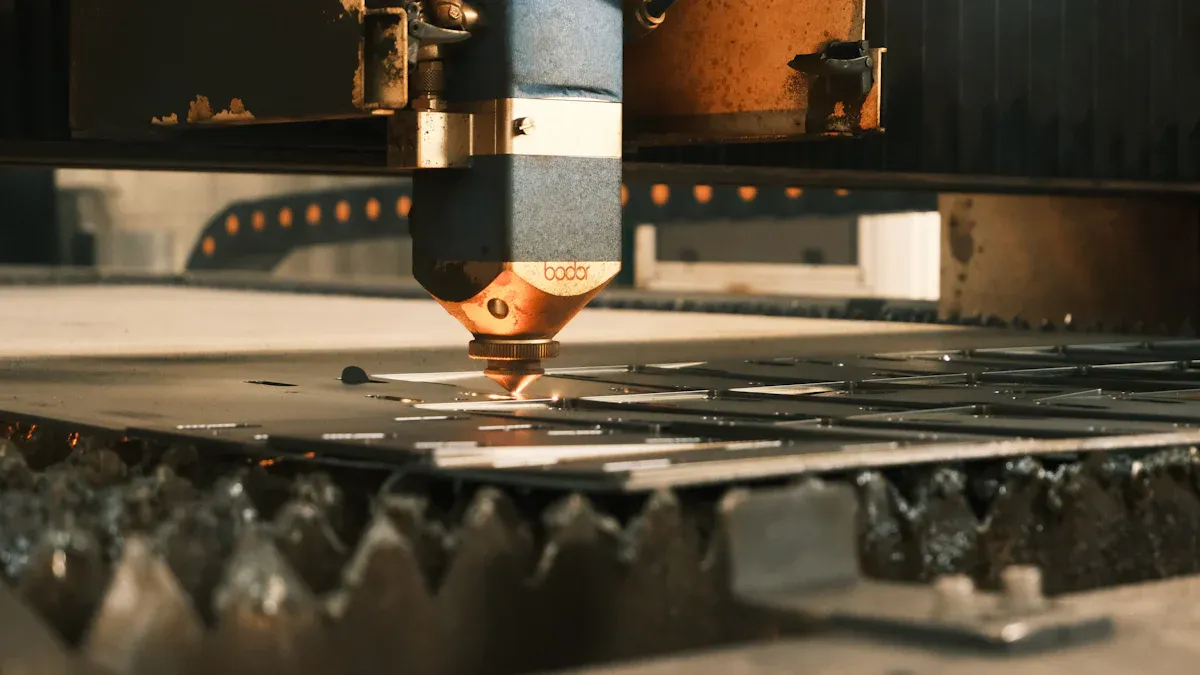
Buyers often worry about using a die cutting machine well. You must make sure the setup and checks go smoothly. This helps you save money over time. Oyang gives you strong digital die-cutting machine choices. These machines have advanced features. Good setup helps the die-cutting machine work as it should. Checks after setup show if the machine works right. This stops problems that waste time and money. When picking a digital die-cutting machine, use this guide. Match the guide to what your factory needs.
Good setup makes the machine work better and faster.
Checks after setup make sure the machine is ready before you start big jobs.
Key Takeaways
Get your space ready before you start. Measure the area to make sure the machine fits. Check that there is enough space to walk safely around it.
Check everything carefully after you set up the machine. Look at the machine’s parts and safety features. Make sure it works with your materials so you do not have problems later.
Turn on the machine for the first time and do test cutouts. This helps you see if the machine works right and does what you need.
Use Oyang’s checklist to accept the machine. Do all the safety tests and check the sensor data. This makes sure the machine is ready to use.
Ask Oyang’s experts for help if you need it. Their support team can help you install and fix problems so the machine works its best.
Installation Planning for Die Cutting Machines
Site Preparation and Space Requirements
You need to get your space ready before you put in a cutting die machine. First, measure the spot where you want the die cutting machine to go. Check how long, wide, and tall the machine is. Make sure there is enough room for the machine and for people to walk around it. Leave clear paths so workers can fix or check the machine. Keep space at the front and back for making changes and looking inside. Give workers room on both sides for repairs. This stops the area from getting too crowded and keeps everyone safe.
Measure the space for the cutting die machine.
Make safety paths for easy walking.
Leave space at the front, back, and sides for repairs.
Check if you have the right power and air flow.
Think about things like temperature and humidity.
Positioning for Safety and Efficiency
Where you put the machine matters for safety and how well it works. Keep the cutting die machine away from other machines. This helps stop accidents and makes fixing the machine easier. Use the table below to see safety rules:
Safety Consideration
Description
Adequate Installation Space
Measure the machine and save space for safety paths.
Operation and Maintenance Space
Leave enough room for workers to use and fix the machine.
Avoiding Overcrowding
Keep space between the cutting die machine and other machines.
This keeps workers safe and helps you spend less money on accidents or lost time.
Oyang Die Cutting Machine Installation Tips
Oyang makes a great cutting die machine for your work. The digital die-cutting machine is easy to use and fits many jobs. You save money because it is fast to set up and change. Oyang machines work with many materials and sizes. You get good results and save money, which helps you plan your budget.
Tip: Check these things before your cutting die machine comes:
Make sure the space fits the machine size.
Check power and air in the room.
Save paths for workers and repairs.
Look at your budget for setup and cost.
Make sure your work line can use the new machine.
You will not spend extra money and your cutting die machine will work its best.
Exterior Inspection and Compatibility Check
Inspecting Machine Structure and Safety Features
Start by looking at the outside of the die cutting machine. Check if the casing has dents or cracks. Make sure all panels are tight and not loose. Look at the safety guards and emergency stops. These must work to keep people safe. Check the main parts that help the machine run well. Use the table below to help you check:
Component
Inspection Frequency
Notes
Blades and Dies
Weekly
Check for dullness, chipping, or deformation. Replace if necessary.
Moving Parts
As needed
Lubricate gears, rollers, hinges, and pressure mechanisms.
Machine Cleanliness
Regularly
Remove dust and debris to prevent misalignment and jams.
Alignment and Pressure Settings
As needed
Ensure platens are parallel and pressure is evenly distributed.
Worn Components
During maintenance
Replace bearings, belts, seals, and rubber rollers as needed.
Manufacturer Guidelines
As per schedule
Follow service schedules and use approved parts for warranty coverage.
Checking carefully helps you find problems early. This keeps your machine safe and working longer.
Verifying Labels, Controls, and Documentation
Now look at the labels and control panels. Every label should be easy to see and read. The control buttons must work and match the manual. Check that the machine’s name matches your order. Use this table to help you check:
Verification Point
Description
Identity of Equipment
Verify the identity of equipment before installing labels
Label Placement
Place labels in a location that is easily viewable from a convenient angle
Viewing Interference
Be aware of viewing interference from any operational or maintenance equipment
Surface Cleaning
Clean the surface with suitable materials prior to applying the label
Post-Installation Review
Carefully review all equipment after installation to ensure nothing was missed
Check the papers that come with the machine. Make sure you have the manuals, safety guides, and warranty papers. This step helps you start using the machine without trouble.
Ensuring Compatibility with Production Needs
You need to check if the machine fits your work. Look at the materials you want to cut. Make sure the machine can cut them. Oyang die cutting machines work with many materials like cardboard, PET film, and corrugated board. This gives you more choices. You should also check if your dies fit the machine. The dies must fit your machine and your products. This is important for a good setup.
Tip: Always test the machine with your real materials before you start big jobs. This helps you stop mistakes that cost money.
Oyang Quality Assurance Highlights
Oyang checks every machine before sending it out. The company looks at every part for quality and safety. You get a machine that meets high standards. Oyang gives you clear manuals and fast help. This helps you fix problems quickly and keep your machine working.
Exterior and Compatibility Inspection Checklist:
Check casing and panels for damage.
Test safety guards and emergency stops.
Inspect blades, dies, and moving parts.
Verify all labels and control buttons.
Review manuals and warranty documents.
Confirm compatibility with your materials.
Test die compatibility with your production needs.
Careful checking helps you avoid problems and get the best results from your die cutting machine.
Performance Testing and Acceptance Guide
Initial Power-Up and Safety Device Testing
Turn on your die cutting machine carefully. Start by switching on the main power. Look for warning lights or error signs. Press all emergency stops to see if the machine stops fast. Test the safety guards to make sure they cover moving parts. This keeps you and your team safe. Listen for strange sounds or smells when you first use the digital die-cutting machine. If you notice anything odd, stop and call for help.
Feeding, Cutting, and Speed Verification
Put your material into the cutout maker. Use the panel to set speed and pressure. Run a few test cutouts to check if the machine feeds well. Watch the cutout maker as it works. See if the cutouts look like your design. The digital die-cutting machine should work as fast as you need. If you see jams or slow spots, change the settings. Good work means the cutout maker makes neat and correct cutouts every time.
Stability and Precision Assessment
You want your die cutting machine to make perfect cutouts. Use the panel to check if the machine is stable. Many cutout makers have sensors that watch cutting force and position. These sensors help fix small problems early. Some machines use lasers or cameras to check each cutout’s size and shape. This helps your work stay on track. You can spot problems and fix them early with these tools.
Sensors check cutting force and where the material is.
Lasers and cameras check if cutouts are lined up and the right size.
The system saves data to help keep quality high.
Precision problems can change your acceptance results. Use this table to find and fix issues:
Precision Issue
Problem Details
Possible Causes
Solutions
Incomplete or Uneven Cutting
Some parts are not cut
Low pressure, blade wear
Change pressure, replace blades
Rough or Frayed Cutting Edges
Edges look rough
Dull blades, wrong pressure
Sharpen blades, change pressure
Excessive or Insufficient Creasing
Fold lines are unclear or cracked
Wrong gap, material thickness
Change gap, check material
Misalignment Issues
Cutouts do not match the design
Bad position, wrong settings
Fix settings, control the environment
Tool Breakage
Tools break while working
Wrong feed rate, tool wear
Change feed, check tools
Oyang After-Sales Support and Acceptance Checklist
Oyang helps you after you set up your machine. If you have questions, Oyang’s team answers fast. You get easy guides and quick help to keep your cutout maker working. Before you finish, use this checklist:
Do a full safety test.
Run test cutouts and check the edges.
Make sure the speed fits your needs.
Look at sensor and alignment data.
Check for error messages while working.
Make sure all tools for maintenance are ready.
Tip: Always follow the acceptance steps to make sure your die cutting machine meets your production goals.
If you set up your die cutting machine the right way, it works better and stays safe for a long time. Doing safety tests and checking how the machine works helps stop accidents. It also keeps the machine working well. Workers feel less tired and get more done when they follow clear steps. You can stop mistakes by checking the die height, how it is mounted, and how much it weighs. Oyang gives you help from experts and easy instructions. Go to Oyang’s website or talk to their team if you need more help or special answers.
Planning ahead helps you get good results and keeps your workplace safe.
What materials can I use with an Oyang die cutting machine?
You can use paper, cardboard, corrugated board, and PET film. Oyang machines handle many types of packaging materials. This gives you flexibility for different projects.
How long does installation usually take?
Most installations finish in one to two days if you prepare your site. Oyang provides clear guides and support. You can start production quickly.
What should I do if the machine shows an error?
Tip: First, check the manual for error codes. If you cannot fix the problem, contact Oyang’s support team. They respond quickly and help you solve issues.
How do I keep my die cutting machine in good shape?