You probably see these four die cutting failures a lot:
| Failure Type | Common Problem |
| Poor Cutting Quality | Edges are rough or uneven |
| Material Jamming | Feeds get stuck or blocked |
| Cutting Depth Issues | Cuts are not always the same |
| Material Misalignment | Results are off-center |
Quick fixes help you save time and money. They also stop headaches. Many people think die cutting is easy. But small mistakes can cause big problems. Oyang Die Cutting Machine helps you avoid these issues. It uses advanced features and smart design.
Key Takeaways
Check your die cutting machine often and keep it in good shape. This helps stop problems like bad cuts and material jams.
Change the pressure settings and make sure things line up right. This helps you cut at the same depth each time and stops things from getting out of place.
Use the special features on the Oyang Die Cutting Machine. These help you control the machine better and work faster. You will get great results.
Die Cutting Quality Issues
Identifying Poor Cuts
You can spot poor die cutting quality pretty quickly if you know what to look for. Here are some of the most common issues you might see:
Rough or jagged edges on your finished pieces
Incomplete cuts that don’t go all the way through
Pieces that look warped or bent
Small chips or bits missing from the edges
Here’s a quick table to help you match what you see with what’s going wrong:
| Symptom | Description |
| Burrs | Rough edges that mess up the shape and size |
| Warping | Material bends or twists after cutting |
| Chipping | Tiny pieces break off, leaving gaps |
| Dullness | Cuts look messy because the blade isn’t sharp |
| Dimensional Errors | Parts come out the wrong size |
| Uneven Cuts | Edges look jagged or not straight |
Causes of Quality Problems
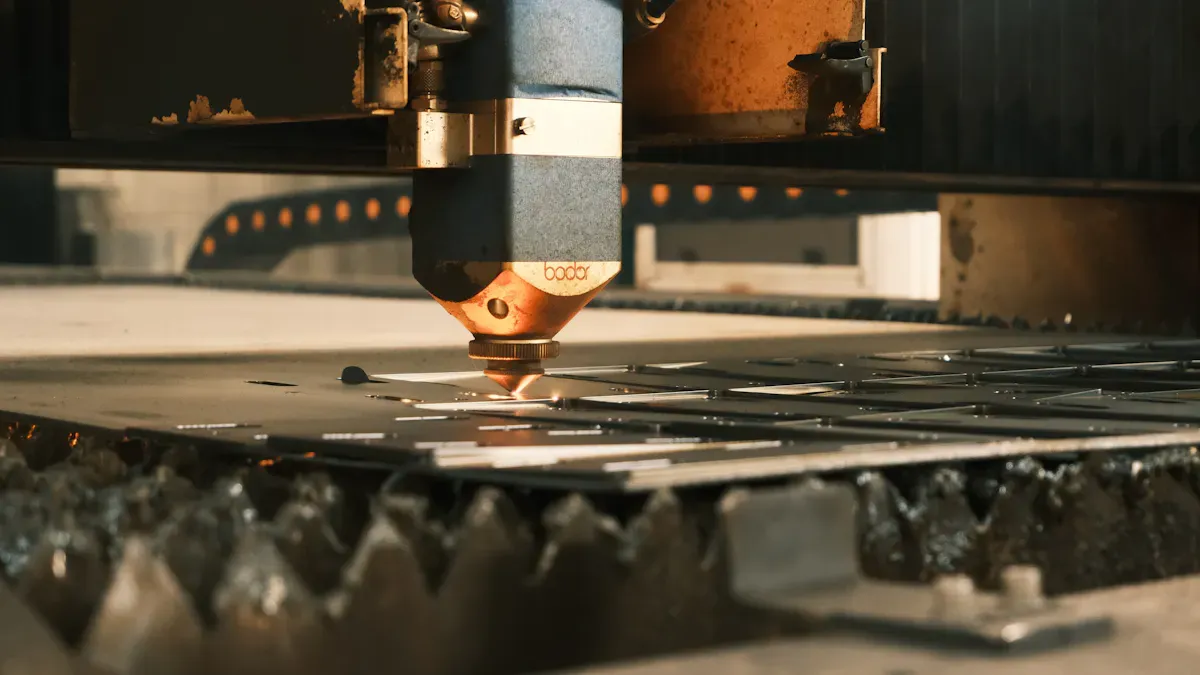
The main reasons you get poor die cutting quality are dull dies, incorrect pressure, misalignment, and not keeping up with maintenance. Sometimes, uneven pressure or a die that isn’t lined up right can make your cuts look bad. If you use too much pressure or a blade that’s lost its edge, you’ll see burrs and rough edges.
Oyang Die Cutting Machine Solutions
You don’t have to struggle with these problems. Here’s how you can fix them—and how Oyang Die Cutting Machine makes it easier:
Check your dies often. Replace them if they look dull or damaged.
Adjust the pressure settings to match your material. Too much or too little can cause trouble.
Make sure everything lines up before you start. A quick check saves a lot of waste.
Clean and maintain your machine regularly. This keeps every cut sharp and clean.
Oyang Die Cutting Machine helps you with all these steps. It uses advanced technology for precise pressure control and perfect alignment. The user-friendly design means you can switch dies fast and keep your production running smoothly. You get consistent, high-quality results every time.
Material Jamming in Die Cutting
Recognizing Jams
You can tell there is a problem if your Die Cutting machine stops or makes weird sounds. Jams can happen quickly. You might see sheets stacking up at the feeder. The machine may have trouble pulling the material through. Sometimes, you will find torn or wrinkled sheets. Other times, cut pieces are not finished or get stuck together.
Here are some signs that show a jam:
Material stacks up at the start or end.
The machine stops or slows down without warning.
You hear strange grinding or clicking noises.
Finished pieces come out broken or do not come out.
Common Jam Causes
Jams can happen for many reasons. They can surprise you in different ways. Here are some common causes:
Putting too much material in or loading it unevenly.
Small objects or trash in the cutting area.
Rollers that are worn out or broken and cannot grip.
Feeding the material at the wrong angle.
Not enough oil, so the material sticks.
Binder pressure that is too high or low, which rips or wrinkles sheets.
Wet material that makes layers stick together.
Big or hard pieces that block the die.
Too much rough fiber in the material.
Feeding too much or not evenly.
Tip: Always look for trash and keep your rollers working well. Small steps help a lot.
Preventing Jams with Oyang Machines
You can stop most jams by using smart habits. Oyang Die Cutting Machine makes this even easier. The simple design helps you load material straight every time. Quick-change parts let you fix jams fast and keep working. The machine works with many types of materials, so you do not need to worry about changing jobs. Smart sensors and roller controls keep things running well. Regular care is easy, so you can find problems before they cause a jam. With Oyang, you spend less time fixing and more time making things.
Cutting Depth Issues
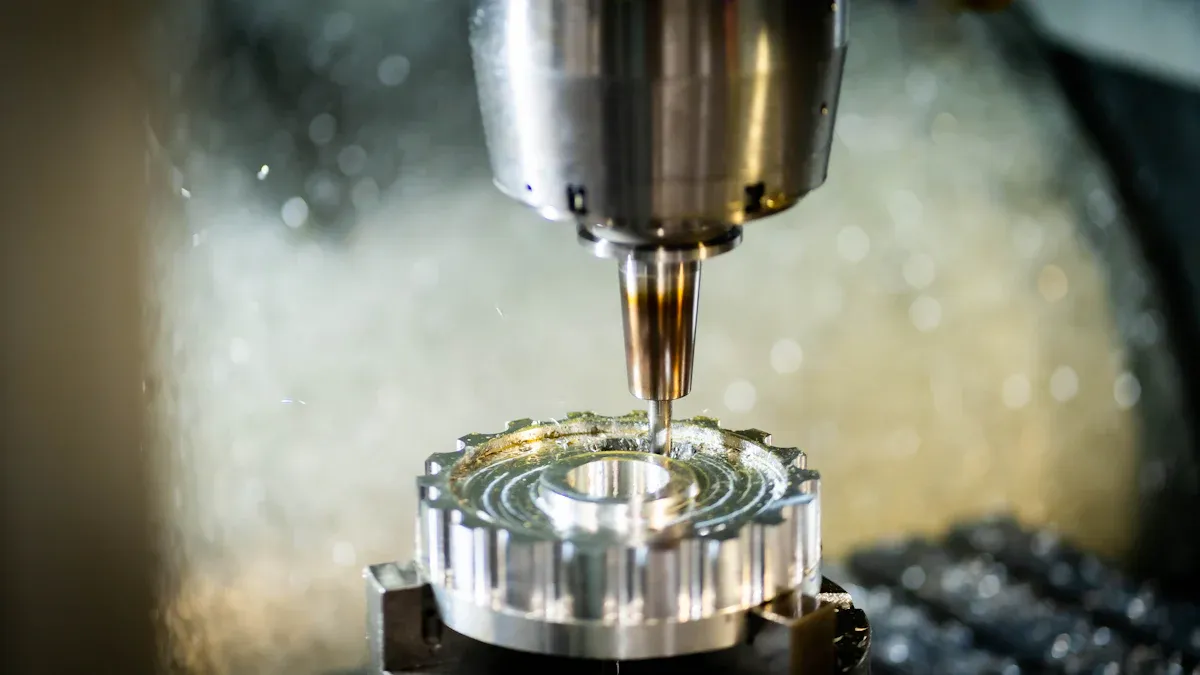
Image Source: unsplash
Spotting Inconsistent Depth
You might notice that some pieces cut deeper than others. Sometimes, the blade barely scratches the surface. Other times, it slices right through. This problem can show up as uneven edges or parts that don’t separate cleanly. If you see extra waste or get complaints about quality, cutting depth could be the reason.
Here’s how you can check for inconsistent depth:
Test the same material in different spots on the table.
Look at all four corners and the center for even cuts.
Measure the table height and make sure it’s level.
Clean the optics if your machine uses lasers.
Check if the cooling system keeps a steady temperature.
When you spot these issues early, you save time and materials.
Root Causes
Many things can cause cutting depth problems in Die Cutting. Here are the most common:
If the pressure system isn’t set right, you’ll see incomplete cuts. Worn parts or rollers can also make the blade press harder in some spots and lighter in others. Even small changes in material thickness can throw off your results.
Oyang Machine Adjustments
You can fix cutting depth issues with a few smart steps. Start by checking the pressure settings and adjust them for your material. Replace any worn parts right away. Make sure the table is level and recalibrate the focus if needed. Oyang Die Cutting Machine makes this process simple. The advanced calibration system helps you set the right pressure every time. Quick adjustments and easy maintenance keep your cuts consistent. You get less waste, better quality, and happier customers.
Material Misalignment in Die Cutting
Detecting Misalignment
You can tell there is misalignment if cuts are not centered. Sometimes, shapes do not match the printed artwork. You might see slotting errors or pieces that look wrong. These mistakes waste material and time. Here is a table to help you figure out what is happening:
| Common Symptoms | Likely Causes |
| Die-cutting misalignment and slotting errors | Incorrect die registration relative to printed artwork. |
| Worn or damaged die-cutting tooling. |
| Improper stack or pile height affecting feeding into die station. |
If you see these signs, something is not lined up right.
Why Misalignment Occurs
Misalignment happens for different reasons. Sometimes, the setup is wrong. Other times, machine parts get old or break. Here are some things that cause misalignment:
| Factor | Impact on Misalignment |
| Worn Belts and Bearings | Make the feed uneven and cause vibration. This leads to cuts that are not lined up. |
| Misaligned Dies or Mounting Plates | Put pressure unevenly and make cuts only on one side. |
| Unbalanced Pressure Plates | Only some areas get full force, so cuts are not strong everywhere. |
| Blunt or Chipped Die Edges | Cuts are harder to make and need more force. This puts stress on the machine. |
| Damaged Internal Cutters or Blades | Can cause jams, tear material, or be unsafe. |
Both setup and machine condition are important in Die Cutting.
Alignment Solutions with Oyang
You can fix misalignment by checking your dies and mounting plates. Replace belts, bearings, or blades if they are worn. Make sure pressure plates are balanced. Keep your material stacks even and at the right height.
Oyang Die Cutting Machine makes alignment simple. The high registration system lines up every sheet perfectly. You get accurate cuts, even when working fast. Easy controls let you change settings quickly. You spend less time fixing errors and more time making good products.
Tip: Check your machine often and adjust quickly. This keeps your cuts straight and your machine working well.
You can solve die cutting failures by using smart steps and a good machine. If you check your machine often, you can stop problems before they start. Oyang’s special features help you work without long stops. Here is a simple table that shows real problems and how to fix them:
| Failure Mode | Likely Causes | Corrective Actions |
| Burrs | Worn punch edges | Regrind, adjust clearance |
| Misfeed | Poor alignment | Resquare, replace guides |
Make a list of things to check. If you need more help, ask Oyang!
FAQ
What materials can I use with Oyang Die Cutting Machines?
You can use paper, cardboard, corrugated board, and cartons. The machine handles many types of packaging materials with ease.
How often should I maintain my Die Cutting machine?
You should check and clean your machine every week. Regular care helps you avoid problems and keeps your cuts sharp.
Who can I contact if I need help with my machine?
You can reach out to Oyang’s support team by email or phone. They answer questions and help you solve any issues.


